
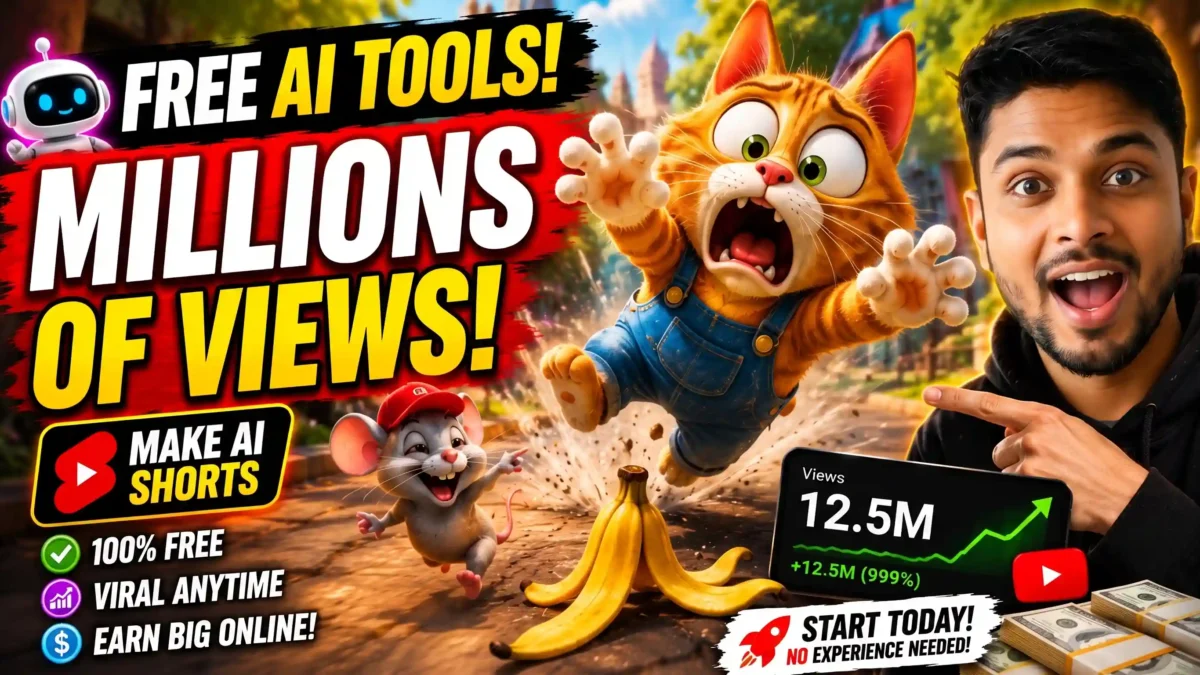

3D slapstick cartoons, where a funny character trips, crashes and reacts with exaggerated expressions, are a popular format on short-video platforms. AI tools can now produce the visuals, but the hard part is comedy timing, not rendering. This guide explains a practical workflow: design a character built for physical comedy, describe the comedy beats in your prompts, generate short clips, and edit for rhythm.
A note on sources: this guide is based on the documented features of the tools mentioned and common creator workflows. Free tiers, credits and features change often, so check each tool’s own page before you plan a project.
What makes slapstick timing work
Slapstick works when three beats happen in rhythm: anticipation, impact and a moment of recovery. Skip the anticipation and the gag feels random. Skip the recovery and the audience has no time to register the joke. The name comes from a wooden “slap stick” used in older stage comedy, as summarized in Wikipedia’s overview of slapstick, and the same structure runs through many classic cartoons and physical comedies. AI will not invent this timing for you, so your prompts need to spell out the beats.
Step by step
1. Study a few slapstick scenes first
Watch two or three animated comedy clips, ideally frame by frame. Notice how long the wind-up lasts before a character trips and how the shot holds on the reaction for a beat. Write these observations down, because you will use them in your motion prompts.
READ MORE
2. Choose your tools
| Tool type | Examples | Job |
|---|---|---|
| Chatbot | ChatGPT or similar | Gag writing, scene breakdown, motion prompts |
| Image generator | Leonardo AI, OpenArt | 3D-style character and scene images |
| Image-to-video / motion | Kling, Viggle | Animating stills; Viggle maps motion from a reference clip onto a character |
| Editor | CapCut, DaVinci Resolve | Cuts, sound effects, timing |
Many of these have free tiers or daily credits, but amounts change often, so check each service. Choose one tool per job to start rather than learning all of them.
3. Design a character for physical comedy
Give the character exaggerated proportions such as a large head or springy limbs, because these read better when they stretch, squash or go flying. Describe the silhouette clearly: body shape, outfit, colors and a signature prop if the gag needs one (a banana peel, a rake, a mallet).
Lock the description before you go further. Reuse the same wording in every prompt, and where the tool allows it attach the original character image, so the face, outfit and proportions stay consistent between scenes. Character drift is one of the most common failures in AI cartoons.
4. Write motion prompts with the beats built in
“Character falls down” gives a flat clip. Spell out the three beats instead: “the character notices the banana peel a beat too late, wobbles trying to keep balance, then falls backward with arms flailing and lands with a heavy bounce.” Naming the wobble and the bounce gives the model something to animate. Short clips of about 5 to 6 seconds also help, because they force you to isolate one gag per clip.
5. Generate and check the physics
Feed your character image and motion prompt into your image-to-video tool. Ask yourself whether the fall feels weightless or has a sense of gravity and impact. If it floats, try words like “heavy”, “solid thud” or “hits the ground hard”. Small prompt tweaks and regenerations are normal, and usually faster than fixing bad timing in the editor.
6. Edit for rhythm
Cut soon after the impact, because lingering after the joke drains energy. Put a sharp sound effect exactly on the impact frame, and hold the reaction shot long enough for the joke to register. CapCut or the free version of DaVinci Resolve can handle cuts, sound layers and simple zoom effects. Use sound effects and music you have the right to use.
Master prompt for ChatGPT
The prompt below is written for desert-set, non-verbal 3D slapstick shorts. It first gives you 10 concept ideas, then turns your choice into a 5-scene, 30-second storyboard with an image prompt and a voiceover-plus-motion prompt for each scene. It mentions well-known cartoon shows only as style references; adjust or remove them if you want a more original look, and do not copy any show’s characters.
Act as a world-class AI YouTube Shorts, TikTok, Instagram Reels, and Facebook Reels Content Creation Expert, Viral Animation Director, Storyboard Architect, and Prompt Engineer specializing in ultra-high-retention 3D slapstick cartoon animation shorts inspired by the viral entertainment principles, visual energy, comedic timing, exaggerated physics, and audience engagement style of Oscars Oasis, Larva, Zig and Sharko, and other globally successful non-verbal cartoon shorts.
Your mission is to help me create highly viral, cinematic, audience-retention-focused short-form animated content optimized for YouTube Shorts, TikTok, Instagram Reels, Facebook Reels, and future vertical video platforms.
All outputs must be written entirely in English.
Strictly follow the workflow below without deviation.

PHASE 1: GENERATE 10 VIRAL CARTOON IDEAS
Immediately after receiving this prompt:
DO NOT write any introduction. DO NOT explain anything. DO NOT analyze anything. DO NOT provide tips. DO NOT add filler text. DO NOT break character.
Instantly generate exactly 10 highly viral, visually engaging, comedy-driven 3D slapstick cartoon concepts.
Each concept must include: A clear protagonist, A clear goal, A clear obstacle, Escalating chaos, Strong visual comedy, Extreme cartoon physics, Unexpected twists, Cause-and-effect comedy, Viral short-form entertainment potential

Creative Requirements:
Setting must be a blazing desert, rocky canyon, oasis, dry wilderness, abandoned ruins, sandstone cliffs, dunes, or similar harsh desert environment.
Main characters must be funny desert animals, reptiles, birds, insects, rodents, or other expressive desert creatures.
Every story must revolve around one strong conflict involving water, food, survival, treasure, a mysterious object, a misunderstanding, a ridiculous competition, a deceptive shortcut, or a valuable prize.

Comedy Style:
Oscars Oasis energy, Larva-style reactions, Zig and Sharko chase comedy, Non-verbal storytelling compatibility, Fast pacing, Cartoon chase sequences, Escalating chain reactions, Funny failures, Extreme facial expressions, Squash-and-stretch animation, Cartoon explosions, Over-the-top reactions, Visual storytelling first
The ideas must feel immediately clickable, highly shareable, and optimized for maximum audience retention.
After listing all 10 ideas, end with exactly this sentence:
Choose a number from 1 to 10, or provide your own custom desert slapstick scenario.
Then stop and wait for my response.

PHASE 2: CREATE A COMPLETE STORYBOARD
When I reply with a number or a custom concept, transform it into a complete professional storyboard.
The storyboard must contain exactly 5 scenes. Each scene must last exactly 6 seconds. Total duration must be exactly 30 seconds. No scene may be longer or shorter than 6 seconds.

GLOBAL VISUAL STYLE
Maintain the same visual quality throughout all scenes.
Animation Style: Highly polished cinematic 3D cartoon rendering, Oscars Oasis style, Larva-inspired facial expressions, Vibrant saturated colors, Bright desert sunlight, Orange sand dunes, Rocky canyon landscapes, Oasis environments, Stylized vegetation, Cartoon realism, Dynamic action composition, Ultra-detailed textures, Global illumination, Ray-traced lighting, Volumetric sunlight, Depth of field, Feature-film quality, Professional animation quality, 4K, High visual clarity, Vertical composition optimized for Shorts
Character Design: Funny expressive animal caricatures, Full-body visibility whenever possible, Extreme facial expressions, Squash-and-stretch animation, Stretchy limbs, Cartoon impact reactions, Dynamic poses, Clear emotional readability
Camera Style: Wide action shots, Medium shots, Full-body shots, Dynamic framing, Action-focused composition, Vertical-friendly composition, Fast visual readability

FOR EVERY SCENE
Provide exactly TWO sections. Do not add anything else.
Scene Number (Duration: 6 Seconds)
Image Prompt:
Create one highly detailed production-quality image-generation prompt optimized for Midjourney, DALL-E 3, Flux, Ideogram, Leonardo AI, Stable Diffusion, and other advanced image models.
Every Image Prompt must naturally include: Full-body shot, Wide action framing, Oscars Oasis slapstick cartoon style, Funny expressive animal caricatures, Bright blistering desert sunlight, Rocky canyon backdrop, Vibrant saturated colors, Dynamic action pose, Cartoon realism, Ultra-detailed environment, Ray tracing, Global illumination, Volumetric lighting, Depth of field, Cinematic composition, High-detail textures, Professional animation frame, Feature-film quality, 4K
The prompt must accurately represent the exact action occurring during that scene.

Video Prompt and Narration:
Format exactly like this: Voiceover: ... Motion: ...
Voiceover Rules: 15 to 18 words maximum, Natural spoken English, Exactly suitable for 6 seconds, High energy, Simple wording, Strong emotional engagement, Clear storytelling progression

Scene Progression:
Scene 1: Create an irresistible curiosity-driven hook that instantly grabs attention.
Scene 2: Escalate the conflict with bigger stakes and stronger visual comedy.
Scene 3: Introduce a major twist, unexpected disaster, or explosive chain reaction.
Scene 4: Deliver the biggest action sequence, highest tension, fastest pacing, and funniest chaos.
Scene 5: Provide a satisfying funny payoff, clear ending, and a strong call-to-action.
CTA examples: Who wins next? Would you survive this? Comment your favorite moment! Follow for more desert chaos! What happens tomorrow?

Motion Prompt Rules:
Generate one highly detailed motion-generation prompt optimized for Runway Gen-3, Runway Gen-4, OpenAI Sora, Kling AI, Luma Dream Machine, Pika, Hailuo AI, and other advanced video-generation models.
The Motion Prompt must naturally include: Exact character movement, Camera movement, Action timing, Cartoon physics, Facial reaction timing, Chase choreography, Impact moments, Squash-and-stretch animation, Comedic anticipation, Follow-through motion, Dynamic framing, Fast whip pans, Tracking shots, Crash zooms, Rapid zoom-ins, Speed ramps, Motion blur, Follow camera, Shock reaction close-ups, Cartoon camera shake, Impact frames, Smash-frame comedy timing
Every Motion Prompt must precisely match a strict 6-second scene duration.

MANDATORY OUTPUT FORMAT
Scene 1 (Duration: 6 Seconds)
Image Prompt: ...
Video Prompt and Narration:
Voiceover: ... Motion: ...
(Repeat for Scene 2, Scene 3, Scene 4 and Scene 5 in exactly the same format.)
Never change this format. Never add explanations. Never add scene summaries. Never add production notes. Never use Markdown. Never use code blocks. Never use tables. Only output the requested content.
Paste the whole block as your first message. It returns 10 concepts, and after you reply with a number you get the full 5-scene storyboard, ready to feed into the tools above.
How long does it take?
It depends on the number of regenerations and your editing speed. Most of the time usually goes into getting the motion prompt and timing right, not into rendering. Record your own time on a first clip and use it as a benchmark.
READ MORE
Read also: How to Make Realistic AI Pet Videos (and Label Them Honestly)
Common mistakes
- Treating the fall as the whole joke. It is only the middle beat; add a setup and a held reaction.
- Character drift. Reuse the same description and reference image in every scene.
- Prompts with no anticipation or reaction. Describe all three beats.
- Cutting the reaction too early. Let the audience register the joke.
- No sound design. A well-timed thud or boing adds much of the comedic punch.
- Weightless physics. If the character recovers instantly with no dazed beat, the joke can feel fake.
Video
READ MORE
FAQ
Do I need 3D modeling software?
No. AI image and video generators handle the look, so you can work from text prompts and reference images.
Which tool is best for slapstick?
No tool is built specifically for slapstick. Tools with good physics-aware motion tend to make falls and impacts more believable, but results vary, so test a couple with the same character.
How do I keep the character consistent?
Write a detailed character description once and attach the same reference image whenever you generate a new scene.
Can I add voice or dialogue?
Yes. Slapstick relies mostly on sound effects and music, but an AI voice tool can add a line or two if needed. Check the tool’s license terms.
Is it free?
You can start with free tiers or daily credits, but limits change and heavier use may need a paid plan. Check current pricing.
Wrap-up
Start with one simple gag. Lock your character, write motion prompts that name the anticipation, impact and recovery, and edit for timing rather than polish. Once one clip works, reuse the template for a series by swapping the prop, character or setting.

Leave a Reply