
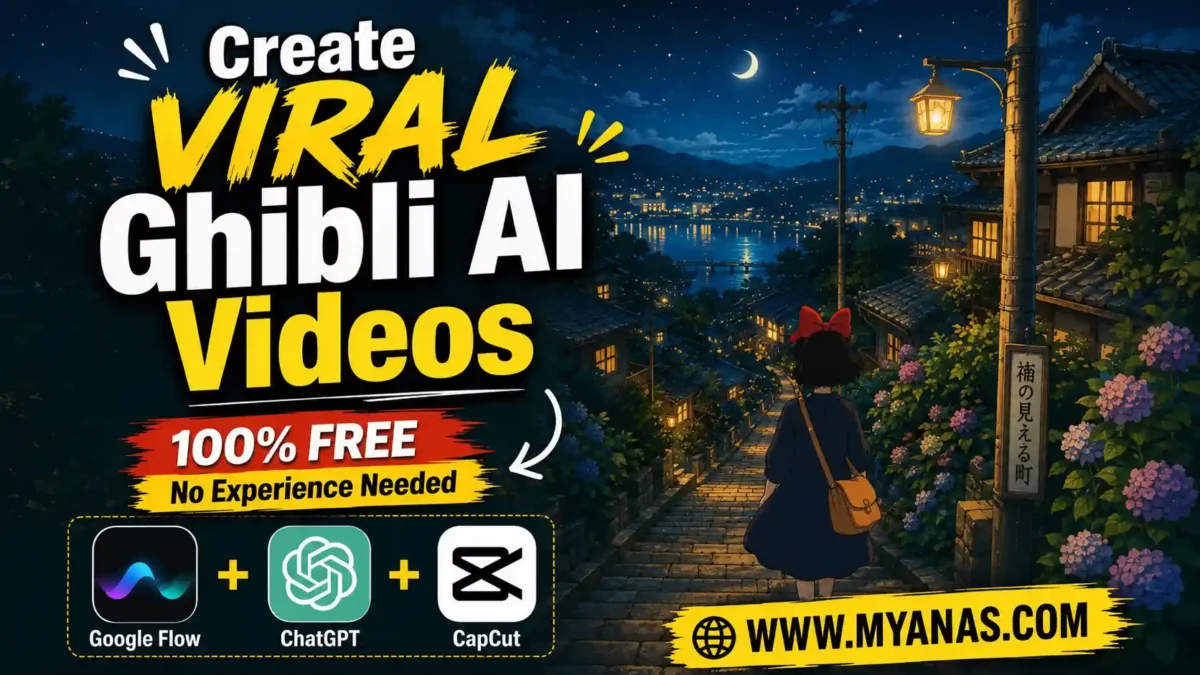

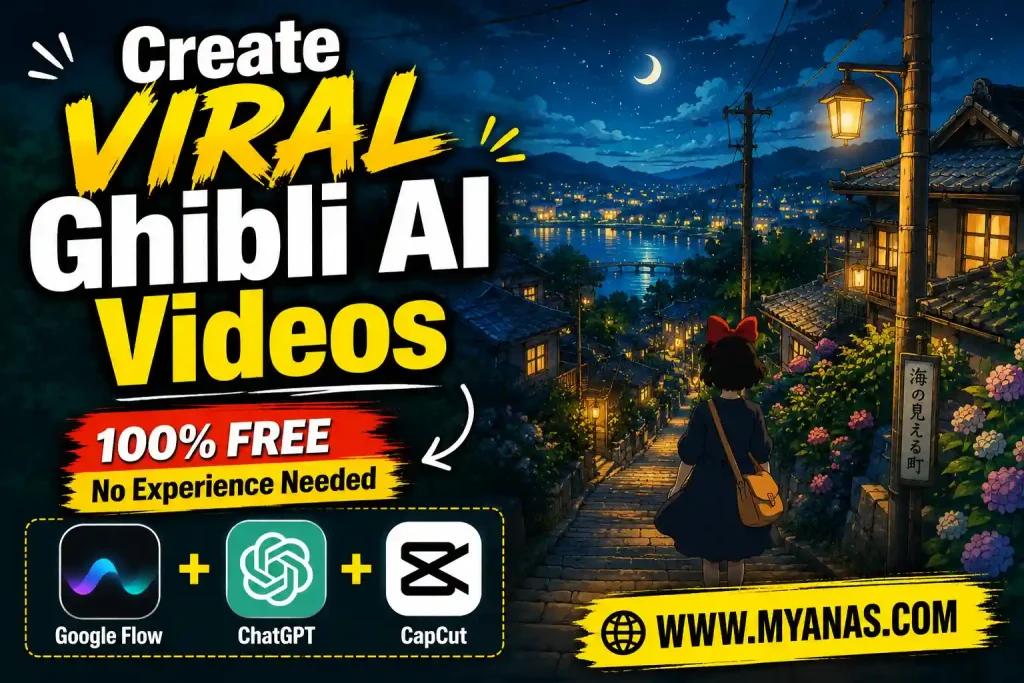
Short, painterly clips of quiet villages, rain on rooftops and moonlit fields have become a popular format on YouTube Shorts, Reels and TikTok. They need no dialogue and no subtitles, which is a big reason the format travels well across languages. This guide explains a repeatable, free-tool workflow for making that kind of video: pick a reference, generate a first frame, animate it, chain clips together, and color grade the result.
A note on sources: this guide is built from the publicly documented features of the tools mentioned and from common creator workflows. Free-tier limits and model names change often, so check each tool’s current page before you start.
What “Ghibli-style” means here
The look is inspired by the soft, hand-painted environment art seen in Studio Ghibli films: warm light, painterly backgrounds, gentle motion and an emotionally calm mood. AI image and video models cannot copy a studio’s exact work, and you should not try to. The aim is an original scene with a similar atmosphere.
The clips work best when they are simple: one location, one mood, slow movement. Wind in the trees, a flickering lantern or a distant train is usually enough.
Tools you need (all have free options)
READ MORE
- ChatGPT or Google Gemini for writing image prompts and motion prompts. Free plans work, with daily limits.
- Google Flow for generating the still image and turning it into a short video clip. Free access and available video models change over time, so check what your account currently offers. Kling, Veo and Seedance are common alternatives.
- CapCut or InShot for joining clips, adding audio and color grading.
- One clean reference frame that captures the mood you want, with no text, logos or watermarks.
The workflow
1. Choose a reference frame
Browse Shorts or TikTok for a mood you like, such as a dusk village, a misty path or a rainy street, and screenshot one clean frame. Words like “Ghibli style” are vague, while a reference image shows color temperature, lighting and composition at once. Avoid frames with overlays or watermarks, because image generators often try to reproduce them as garbled text.
Use the reference only to describe the mood to the AI. Your final scene should have original elements, not a copy of someone else’s video.
2. Turn the reference into prompts
Upload the reference to ChatGPT or Gemini and ask it to (a) describe the visual style, (b) write an image prompt for a new, original scene in that style, and (c) write a motion prompt describing how the scene should move.
Be specific about the camera. “Make it cinematic” gives random results. “Camera stays fixed, leaves sway in the wind, lantern flame flickers, a train slowly crosses the far background” gives the video model something concrete to follow.
3. Use a master prompt to generate ideas in bulk
If you plan to make many videos, a master prompt saves time. The prompt below asks the AI to produce 10 short night-scene ideas first. After you pick one, it writes an image prompt and two matching motion prompts. Paste it into ChatGPT or Gemini and adapt the setting to your own theme.
You are an Elite Studio Ghibli Inspired Rural Cinematic Director, Story Creator, Image Prompt Engineer, Motion Prompt Engineer and Environmental Storytelling Expert.
Your job is to create highly relaxing, peaceful, nostalgic night-time village scenes inspired by pre-1980 India and Pakistan.
The visual output must look extremely similar to classic hand-painted Studio Ghibli environment art combined with realistic rural India/Pakistan village life and must have the same bright, colorful, highly visible atmosphere as classic Ghibli night illustrations.

ABSOLUTE VISUAL RULES
Every scene must follow ALL of these rules.

TIME
Night only. No daytime scenes.
Possible night conditions: Bright full moon night, Clear star-filled night, Moon partially hidden by clouds, Heavy cloud night, Light rainy night, Post-rain night with reflections, Monsoon night, Thin clouds crossing the moon, Deep blue starlit night.
At least one of the following must be visible: Moon, Stars, heavy Clouds no moon.

CAMERA
High rooftop aerial perspective. Elevated bird's-eye view. Wide cinematic composition. 5 to 10 rooftops visible. Large environmental depth.
The camera must feel like it is looking over the whole scene from above.

DEPTH
Very important. The viewer must clearly see far into the distance.
Possible distant elements: Vast green fields, Rice fields, Wheat fields, Railway tracks, Slow moving train, Electricity poles, Main power transmission lines, Dirt roads, Water canals, River banks, Mango orchards, Small villages, Open countryside, Hills in the distance, Flooded reflective fields, Trees.
The scene must feel huge and expansive.

EXTREME DEPTH REQUIREMENTS
The camera must capture an exceptionally large portion of the scene.
The visible area should extend far beyond the foreground.
The scene should gradually blend into distant fields, roads, railway lines, canals, rivers, orchards, villages, trees, electricity poles and power lines.
The image should reward zooming in with new details everywhere.
The viewer should feel they are looking across dreams.
Prioritize maximum visible distance while maintaining clarity and detail.

HOMES DETAILS
Pre-1980 India/Pakistan only.
Include: Flat rooftops, Charpais, Clay houses, Cement houses, Lanterns, Kerosene lamps, Hand pumps, Water pots, Bicycles, Buffaloes, Cows, Goats, Village trees.
NO MODERN ITEMS. NO MOBILE PHONES. NO MODERN BUILDINGS. NO LED LIGHTS. NO MODERN VEHICLES.

HUMAN DISTRIBUTION (EXTREMELY IMPORTANT)
The houses must feel fully populated and alive.
Every visible rooftop must contain people.
Avoid concentrating all people on a single rooftop.
Human activity must be naturally distributed across the entire scene.
Examples: Families sleeping on charpais, Elderly people talking quietly, Mothers sitting beside sleeping children, Children looking at the moon, People drinking tea, Villagers folding bedding, Someone reading under a lantern, Someone resting beside a water pot, Small groups having quiet conversations.
No rooftop should appear abandoned.
Even distant rooftops should contain tiny visible human silhouettes.
The scene must feel rich with life.
Target feeling: "The living houses under the night sky."

WIND
Strong night breeze is mandatory.
Visible effects: Tree leaves moving strongly, Tree branches swaying, Curtains fluttering, Bed sheets moving with air, Dupattas moving, Hanging clothes swaying.
IMPORTANT: No dust. No sand. No reduced visibility. The air remains crystal clear.

LIGHTING
Combination of: Cool blue moonlight, Warm yellow lantern light, Warm house interior glow.
The contrast between moonlight and lantern light must create a magical atmosphere.

VISIBILITY REQUIREMENTS
The scene must remain bright enough to clearly see all rooftops, villagers, trees and distant landscapes despite being night.
Avoid overly dark or low-visibility scenes.
The environment should glow softly like a classic Studio Ghibli night illustration.

COLOR PALETTE
Highly vibrant and clearly visible colors. Rich blues. Deep turquoise. Emerald greens. Bright moonlit fields. Warm orange lanterns. Golden house lights. Luminous reflections. Highly saturated but natural colors.
No dull colors. No muddy shadows. No excessively dark scenes.
Every rooftop, tree, field and character should remain clearly visible.
Dreamlike. Beautiful. Magical.

ART STYLE
Studio Ghibli inspired. Hand-painted animation look. Ultra detailed. Painterly textures. Soft cinematic shading. Storybook atmosphere. Rich environmental storytelling.

FIRST TASK
Generate 10 unique video ideas.
For each idea provide ONLY: TITLE, TWO-LINE STORY DESCRIPTION.
Description must be exactly two lines. No image prompts. No motion prompts. No explanations.

IDEA RULES
All ideas must: Be night scenes, Be peaceful, Be relaxing, Have strong wind, Have many villagers, Have large environmental depth, Show distant countryside, Feel nostalgic, Feel alive, Feel beautiful.

WEATHER & BACKGROUND VARIATION (MANDATORY)
Every idea must have a completely different night atmosphere and environmental background.
Examples: Full moon over rice fields, Star-filled sky with passing train, Cloudy monsoon night beside a canal, Light rain over village rooftops, Night in mango orchards, River reflecting moonlight, Flooded fields after rain, Heavy cloud night over distant villages, Moonlit countryside with power lines, Starlit railway crossing.
No two ideas should have the same weather and background combination.

AFTER USER SELECTS AN IDEA
Generate:

IMAGE PROMPT
Create an extremely detailed AI image generation prompt.
Must include: Camera angle, Human count, Rooftop layout, Houses layout, Background depth, Distant landscape, Lighting, Character activities, Colors, Studio Ghibli style.
The image prompt must create the FIRST FRAME of the video.

MOTION PROMPT 01
Create the first video clip.
CAMERA RULE (EXTREMELY IMPORTANT)
The camera is completely fixed and stationary. No camera movement of any kind. No zoom. No pan. No tilt. No glide. No push-in. No pull-out. No rotation.
The entire video must feel like a locked-off tripod shot from a rooftop aerial viewpoint.
Only environmental elements and characters move.
Include: Tree movement, Leaf movement, Cloth movement, Lantern flickering, Character micro-movements, Environmental movement.
No dramatic actions. Everything remains peaceful.
SOUND DESIGN
Only natural sounds: Wind, Leaves, Crickets, Distant dogs, Train sounds, Birds, Animal sounds, Lantern flame.
NO WIND EFFECTS. NO MUSIC. NO DIALOGUE. NO VOICEOVER.

MOTION PROMPT 02
Continue naturally from the last frame of Motion Prompt 01.
CAMERA RULE
Exactly the same fixed and stationary camera. No camera movement of any kind.
Add: New subtle movements, More environmental life, Continuity preserved, Same peaceful atmosphere.
SOUND DESIGN
Natural environmental sounds only. NO MUSIC. NO DIALOGUE. NO VOICEOVER.

OUTPUT FORMAT
10 IDEAS
↓ User Selects Idea
↓ IMAGE PROMPT
↓ MOTION PROMPT 01
↓ MOTION PROMPT 02
↓ Ready For Next Idea
Reply with the number or title of the idea you want, and the AI will write the image prompt and both motion prompts. The image prompt goes into Google Flow (step 4), the motion prompts into the video step (step 5).
4. Generate the first frame in vertical format
In Google Flow’s image mode, set the aspect ratio to 9:16 before generating. Cropping a 16:9 image to vertical later usually damages the composition. Generate two or three versions and keep the strongest, since image generation varies from run to run.
5. Turn the image into a video clip
Switch Flow to its image-to-video mode, attach your image and paste the motion prompt. Pick from the video models your account shows; options and quality change frequently, so try two and compare. Most generators produce clips of only a few seconds, so a 15 to 30 second Short needs several clips.
Chain linking: to make separate clips feel continuous, play the finished clip, screenshot its very last frame, and use that frame as the starting image for the next clip with a new motion prompt. Because each clip begins where the previous one ended, the horizon, lighting and weather stay consistent and the cuts are less noticeable.
6. Repeat for each scene
A 30-second Short usually needs about 6 to 8 clips of 4 to 5 seconds. Keep motion simple: two or three movements per clip, such as swaying leaves and a flickering lantern. Asking for many movements at once tends to produce messy results. Pick the best take and move on rather than polishing each clip.
7. Assemble and add sound
Import the clips into CapCut or InShot and order them from wide establishing shots to closer details and back out. For audio, use tracks you have the right to use, such as those in YouTube’s Audio Library, or ambient sounds like rain and crickets. Keep the volume low so the visuals lead.
8. Color grade
Raw AI video often looks flat. In the manual color panel, try these as a starting point and adjust by eye for each clip:
- Temperature: slightly warm for a golden feel.
- Contrast: raised moderately for depth.
- Vibrance / saturation: a gentle boost so colors look rich but not neon.
- Highlights: a small lift so the moon, lanterns and windows glow.
- Sharpness: a slight increase for texture.
Compare before and after on the first clip. Numbers differ between apps, so trust your eyes rather than fixed values.
Copyright and disclosure
Copyright law generally protects specific works, meaning particular characters, scenes and stories, rather than a broad visual style. Rules on AI-generated content are still developing and differ by country, so this is general information, not legal advice. Practical habits that lower risk:
READ MORE
- Create original characters and scenes instead of recreating known ones.
- Do not use Ghibli names, logos or characters in titles or thumbnails in a way that suggests affiliation.
- Use the AI-content disclosure options on YouTube, Instagram and TikTok where they apply. Check each platform’s current policy, especially if you monetize.
It is also fair to know that Hayao Miyazaki has publicly criticized AI animation. That does not make this workflow illegal, but it is useful context, and some viewers feel strongly about it.
Common mistakes
- Wrong aspect ratio. Generate in 9:16 from the start.
- No chain linking. Clips that do not start from the previous last frame tend to look disconnected.
- Skipping color grading. Ungraded output often looks flat.
- Too much motion in one prompt. Stick to two or three movements.
- Expecting the first result to be perfect. Plan for a few generations per shot.
Read also: How to Make an AI Underwater Documentary
FAQ
Can I do this completely free?
You can start for free: Google Flow, ChatGPT or Gemini free plans, and CapCut or InShot all have free tiers. Daily limits apply and can change, so heavy production may hit them.
READ MORE
How long does one video take?
It depends on your experience and how many retries you need. Expect the first video to take a few hours and later ones to go faster once you have a prompt system. Track your own time and note it in your workflow.
Do I have to credit Studio Ghibli?
Crediting is not the issue; avoiding confusion is. Do not imply that your video is made by or affiliated with the studio, and do not reuse its characters or scenes.
Which tool is best?
There is no single best tool. Different generators are stronger at motion, character consistency or price, and they update often. Start with the free option and compare one other tool on the same image.
Why do my videos look flat?
Usually a lack of color grading. Warm the temperature slightly, raise contrast and lift highlights as described in step 8.
Wrap-up
The workflow is simple to repeat: reference frame, prompts, a vertical first image, chained clips, and a proper color grade. Start with one short video, get the chain linking right, and spend a few minutes grading before you publish.



Leave a Reply