
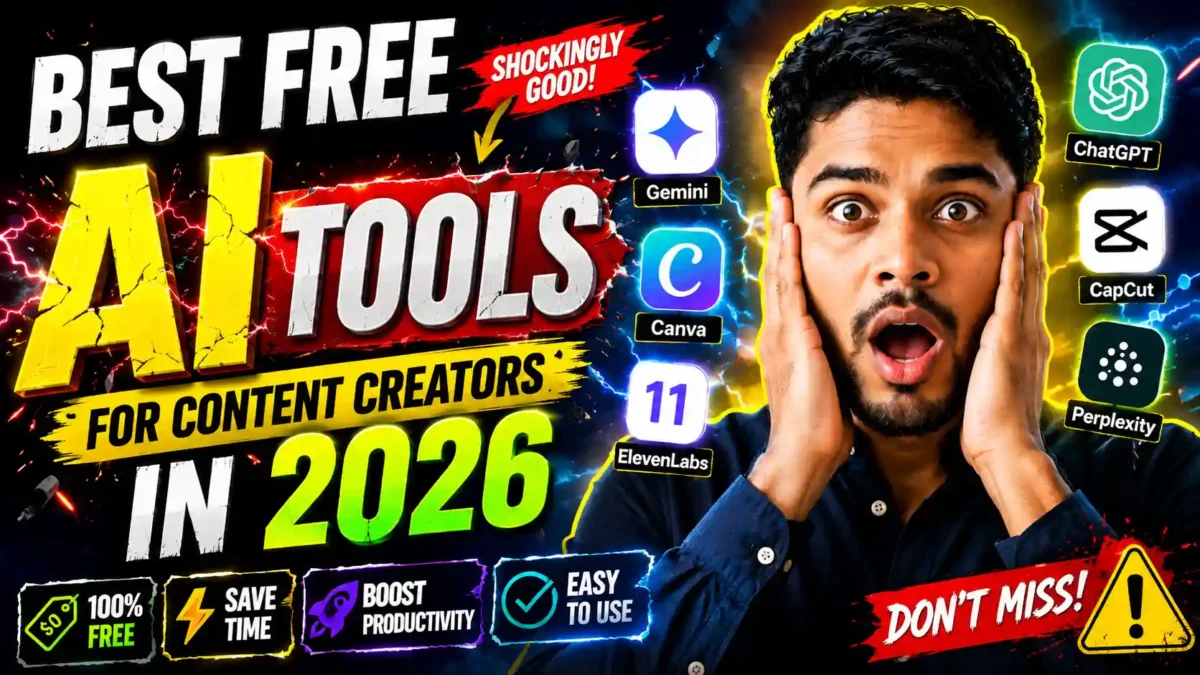

A short, well-chosen set of free AI tools can cover most of what a solo content creator needs: ideas and drafts, research, design, video editing, voiceover and planning. This guide groups nine popular tools by the job they do, explains what each is good for, and tells you what to check before you rely on its free tier.
Transparency note: this is a research-based overview, not a hands-on review of every tool. Free limits, watermark rules and licenses change often and vary by country, so this article gives no fixed numbers. Always confirm current limits and commercial-use terms on each provider’s own pricing and terms pages.
How to judge a free AI tool
Free tiers exist to bring you in, so judge a tool on three questions:
- Does it produce output you can use without heavy editing?
- Does the free tier give you enough volume to finish a project, not just a test?
- Are there watermarks, attribution rules or commercial-use limits you cannot remove without paying?
A tool that fails all three is a demo. Test each tool on one real project instead of a random prompt.
The tools, by job
Writing and ideas: ChatGPT and Google Gemini
ChatGPT and Gemini are general-purpose assistants. Both are useful for brainstorming, outlines, first drafts, rewriting and captions. Free plans typically have usage caps, and the model you get may be an older or smaller one than paid users see. Gemini connects to Google services such as Docs and Search, which can help with topics that need recent information, but you should still verify every fact and figure before you publish.
READ MORE
A useful prompt formula is: role, task, audience, format and constraints. For example: “Act as a YouTube scriptwriter. Write a 60-second segment on why beginners should learn manual mode. The audience is hobbyist photographers. Use a friendly tone and include one example camera setting.” Treat the output as a draft and add your own experience and voice.
Research and fact-checking: Perplexity
Perplexity answers questions with links to its sources, which makes it easier to check a claim than with a tool that gives an answer alone. Open the sources yourself and cite the original, not the AI summary. Free plans usually limit the number of advanced searches, so check the current allowance.
Design and thumbnails: Canva
Canva is a template-based design tool, and its AI features cover things like background removal and image generation. Which AI features are included free, and how many uses you get, differ by plan and change over time. It is a practical choice for thumbnails, social graphics and Pinterest pins. Check the license terms for any templates, stock elements or AI images you use commercially.
Video editing: CapCut
CapCut is a popular editor for short vertical video, with auto-captions, noise reduction and reframing for different aspect ratios. Some effects, templates and exports are limited to paid plans, and features vary by app version and country, so test the exact export you need. Its layout is built around short-form video, so long-form editors may need more adjustment time.
Voiceover: ElevenLabs
ElevenLabs turns text into natural-sounding speech and is popular for narration. The free plan has a limited monthly allowance, and free-plan output has had attribution and commercial-use conditions, so read the current license before you use a voice in monetized content. Never clone or imitate a real person’s voice without permission.
Images: Leonardo AI and Ideogram
Leonardo AI and Ideogram generate images from text prompts, and Ideogram is often chosen when readable text inside the image matters, such as posters. Daily credits, speed and privacy of free generations change, and the rules on commercial use of free-plan images differ between tools. Check them before using an image on a monetized site, and avoid prompts that imitate a living artist or a copyrighted character.
Planning: Notion
Notion is a workspace for content calendars, notes and checklists. Its AI features on free plans are limited and have changed over time. It is less about generating content and more about keeping your pipeline in one place.
How the free tiers compare
| Tool | Main job | What to check on the free plan |
|---|---|---|
| ChatGPT | Writing, ideas, scripts | Usage caps, which model you get |
| Gemini | Writing, Google-connected tasks | Daily limits, which features are included |
| Perplexity | Research with sources | Number of advanced searches |
| Canva | Design, thumbnails | Which AI features are free, template licensing |
| CapCut | Video editing, captions | Locked effects, export quality, watermarks |
| ElevenLabs | Voiceover | Monthly allowance, attribution, commercial use |
| Leonardo AI | Image generation | Daily credits, commercial use, privacy |
| Ideogram | Images with text | Daily generations, commercial use |
| Notion | Planning | AI usage limits |
The right column tells you what to look up. It deliberately contains no fixed numbers because they change too often to print.
Keeping AI use honest
READ MORE
- Verify every fact, statistic and quote an AI gives you against a primary source.
- Add your own experience, examples and opinions so the content is not just a lightly edited AI draft.
- Label AI-generated images, audio and video where the platform or common sense calls for it.
- Read the license of every tool if you monetize, especially for images and voices.
How to decide which tools to keep
Test each tool against one real project. If it clearly saves time on something you were already going to make, keep it. If it produces something interesting that you then rework heavily, it is a novelty. Most people end up with two or three tools, not ten.
A 30-day plan to build your stack
READ MORE
Week 1: writing and research
- Set up one assistant and Perplexity.
- Make one real piece of content, and verify its facts with sources.
- Note where the AI saved time and where it produced generic text.
Week 2: design
- Create a thumbnail, a social graphic and a short clip in Canva.
- Try one image generator and compare its output with what you would otherwise use.
Week 3: video and voice
- Edit one short video in CapCut with captions.
- Test a voiceover on a short script and read the license before publishing.
Week 4: review
- List what each tool saved you and what it cost in limits or time.
- Drop tools you did not use and decide whether any is worth paying for.
FAQ
Which free tools should a beginner start with?
One assistant for writing and ideas, plus a free editor such as CapCut. Add design, image and voice tools only when a real project needs them.
Can I use free-plan output commercially?
It depends on each tool and plan. Some free plans restrict commercial use or require attribution, so check the terms.
Are the free limits permanent?
No. Providers change limits and features often, sometimes without much notice, so check the current pricing page before you build a workflow around one tool.
Do I need to pay eventually?
Not necessarily. Many creators stay on free plans for years, and others upgrade one tool when its limits start costing them time.
Wrap-up
Pick a few tools, test them on real work, confirm the limits and license terms yourself, and keep your own voice and fact-checking in the loop. That is what turns free AI tools into a dependable workflow.


Leave a Reply